
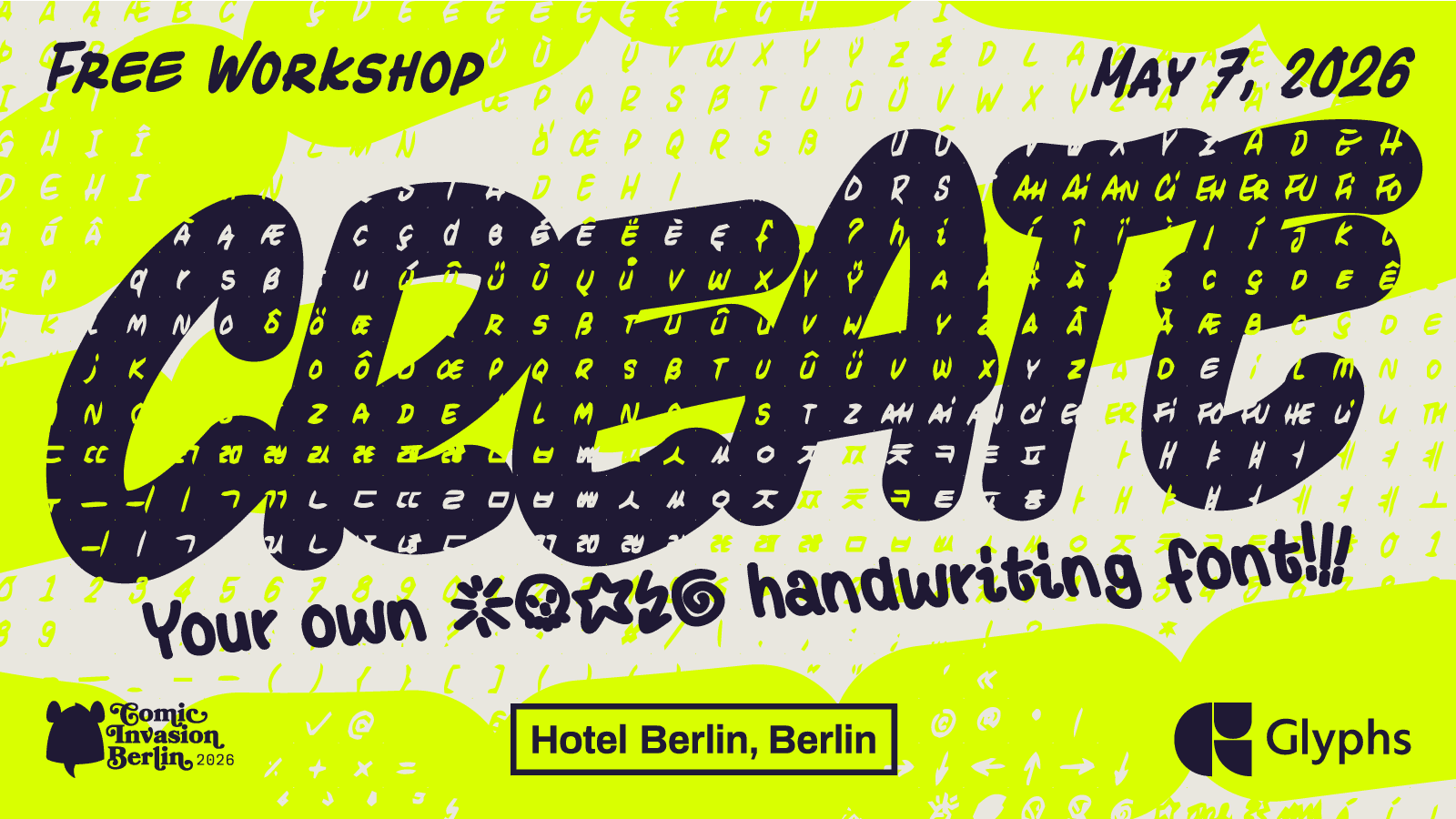
Liebe Comic-Font Fans
English Below
Bitte sorgfältig lesen!
Wir freuen uns sehr, dass ihr Interesse am diesjährigen Comic-Font Workshop mit Sylvain habt. Wir freuen uns sehr, dass der Workshop auch in diesem Jahr wieder von Glyphs und dem Hotel Berlin, Berlin unterstützt wird.
Vorab schon mal ein paar wichtige Infos, die Euch helfen sollen, noch mehr aus dem Workshop mitzunehmen, denn die Gestaltung von Schriften ist ein umfangreiches Thema.
🛠️ Workflow
Der typische Ablauf der Schriftgestaltung sieht ungefähr so aus
Erste Entwürfe aus Papier, am Tablet oder Laptop.
Reinzeichnungen und Anpassungen in einer Vector Software oder direkt in Glyphs.
Hier ist ein kleines Video zu dem Thema.Import (Copy Paste) der Buchstaben in das (Entfällt bei Erstellung in Glyphs)
Glyphs TemplateFinale Anpassungen
Exportieren und testen
Im Workshop werden wir alle Punkte ansprechen, uns aber auf die Punkte 3-5 konzentrieren.
💻 Software
Glyphs ist vektorbasiert, daher arbeitet ihr am besten mit Adobe Illustrator oder auch der kostenlosen Affinity Suite. Alternativ könnt ihr in Glyphs auch mit hochaufgelösten Images wie Scans, ProCreate Files oder Photoshop arbeiten und diese in Glyphs vektorisieren. Hier ist ein kleines Video dazu
💻 Endgeräte
Die GlyphsApp läuft bisher leider nur auf MacOS Geräten, wie MacBooks (Air, Pro, Neo , .…)
📦 Vorbereitung
Prinzipiell hilfreich ist es, wenn ihr schon Ideen oder sogar Entwürfe für eure Schrift habt.
Als technische Vorbereitung vor dem Workshop ist es wichtig, schon mal alles zu installieren. D
ann könnt ihr die Zeit besser nutzen, oder sogar schon rumspielen. Sollte etwas nicht klappen, meldet Euch gerne bei mir.
Die Festival Lizenz einrichten (angehängt CIB Glyphs Workshop.zip)
Unser Comic Font Template von Sylvain mit Buchstaben Alternativen laden (angehängt CIB Glyphs Workshop.zip)
Dear Comic Font Fans English Below
Please read carefully!
We are very excited that you are interested in this year's Comic Font Workshop with Sylvain. We are also very happy that the workshop is once again supported by Glyphs and Hotel Berlin, Berlin.
Here are a few important things to know in advance that will help you get even more out of the workshop — type design is a wide-ranging topic.
🛠️ Workflow The typical type design process looks roughly like this:
Initial sketches on paper, tablet, or laptop.
Clean-up and adjustments in vector software or directly in Glyphs. Here is a short video on the topic.
Import (copy/paste) of letters into the Glyphs Template (skip this step if you're creating directly in Glyphs).
Final adjustments.
Export and test.
During the workshop we will touch on all of these steps, but focus mainly on steps 3–5.
💻 Software Glyphs is vector-based, so you'll get the best results working with Adobe Illustrator or the free Affinity Suite. Alternatively, you can also work in Glyphs with high-resolution images such as scans, Procreate files, or Photoshop files and vectorize them inside Glyphs. Here is a short video on that.
💻 Devices Unfortunately, the Glyphs App currently runs only on macOS devices, such as MacBooks (Air, Pro, Neo, …).
📦 Preparation It's generally helpful if you already have ideas or even sketches for your typeface. As technical preparation before the workshop, it's important to get everything installed in advance — that way you can make better use of the time, or even start playing around. If anything doesn't work, feel free to reach out to me.
Set up the festival license (attached: CIB Glyphs Workshop.zip)
Load Sylvain's Comic Font Template with letter alternatives (attached: CIB Glyphs Workshop.zip)
Dear Comic Font Fans
Please read carefully!
We are very excited that you are interested in this year's Comic Font Workshop with Sylvain. We are also very happy that the workshop is once again supported by Glyphs and Hotel Berlin, Berlin.
Here are a few important things to know in advance that will help you get even more out of the workshop — type design is a wide-ranging topic.
🛠️ Workflow The typical type design process looks roughly like this:
Initial sketches on paper, tablet, or laptop.
Clean-up and adjustments in vector software or directly in Glyphs. Here is a short video on the topic.
Import (copy/paste) of letters into the Glyphs Template (skip this step if you're creating directly in Glyphs).
Final adjustments.
Export and test.
During the workshop we will touch on all of these steps, but focus mainly on steps 3–5.
💻 Software Glyphs is vector-based, so you'll get the best results working with Adobe Illustrator or the free Affinity Suite. Alternatively, you can also work in Glyphs with high-resolution images such as scans, Procreate files, or Photoshop files and vectorize them inside Glyphs. Here is a short video on that.
💻 Devices Unfortunately, the Glyphs App currently runs only on macOS devices, such as MacBooks (Air, Pro, Neo, …).
📦 Preparation It's generally helpful if you already have ideas or even sketches for your typeface. As technical preparation before the workshop, it's important to get everything installed in advance — that way you can make better use of the time, or even start playing around. If anything doesn't work, feel free to reach out to me.
Set up the festival license (attached: CIB Glyphs Workshop.zip)
Download Sylvain's Comic Font Template with letter alternatives (attached: CIB Glyphs Workshop.zip)
Information
♿ Barrierefreiheit
Falls Barrierefreiheit für Euch eine wichtige Rolle spielt, gebt mir kurz ein bisschen Kontext und ich kläre das für euch. Der Workshop Raum ist z.B. mit dem Rollstuhl befahrbar, aber es wird voraussichtlich keine Übersetzung für Gebärdensprache geben.
📍Veranstaltungsort:
Hotel Berlin, Berlin
Lützowpl. 17
10785 Berlin
Konferenzraum B5 (tbd)
Barrierefrei
🗓️ Zeit
Datum: 7.5.2026
Uhrzeit: 14:00-18:00